Shared notebooks.
On any platform.
Keep notes, lists, files, links, tasks and more in one place. Real time team editing and cloud storage space.
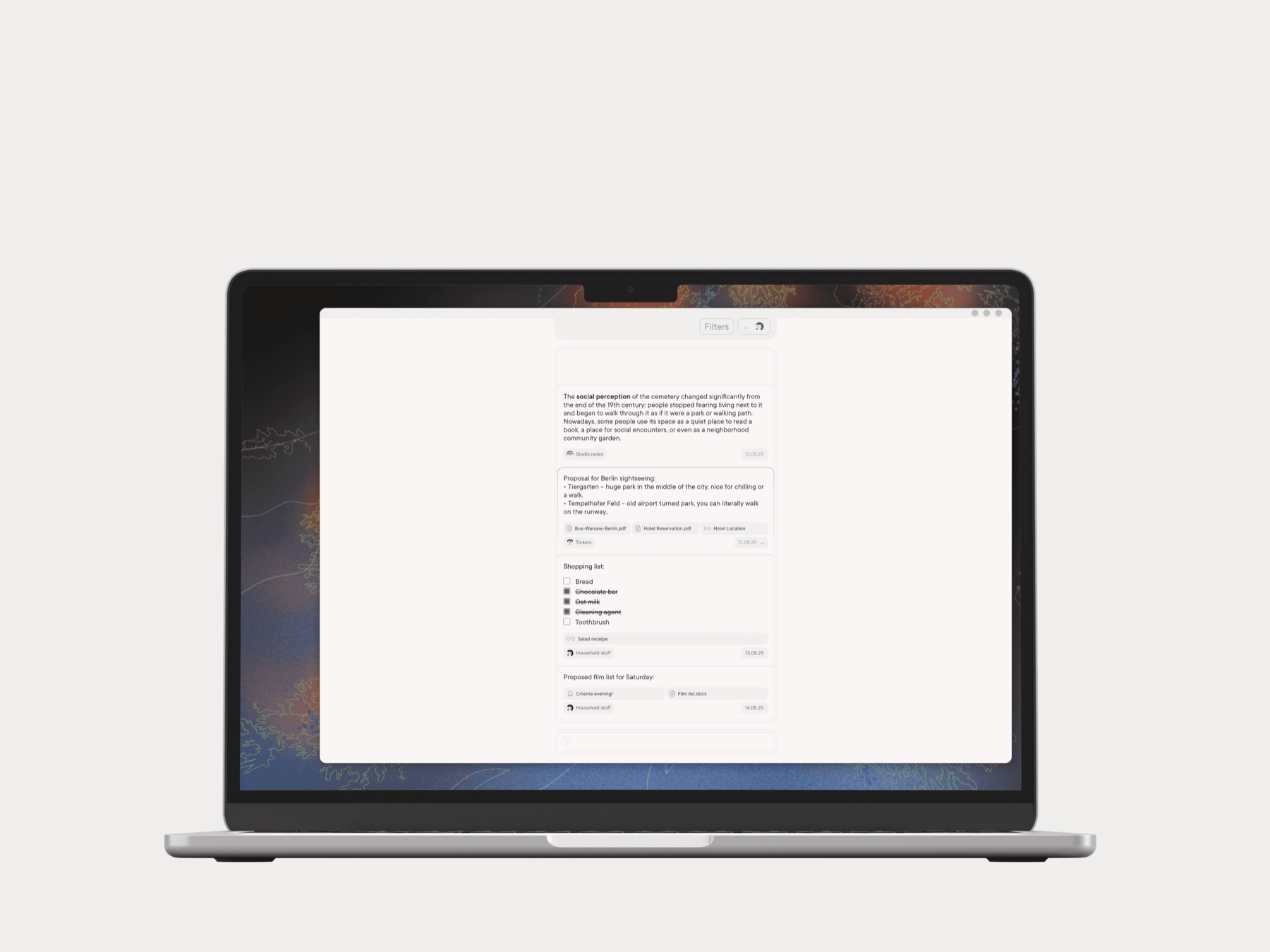
Organise notes in notebooks. Share them with friends.
Keep notes, lists, files, links, tasks and more in one place. Real time team editing and cloud storage space.
✎ Note, link, attach
Create notes, lists, bookmarks, reminders and attach them to your repository of things that are important for you.
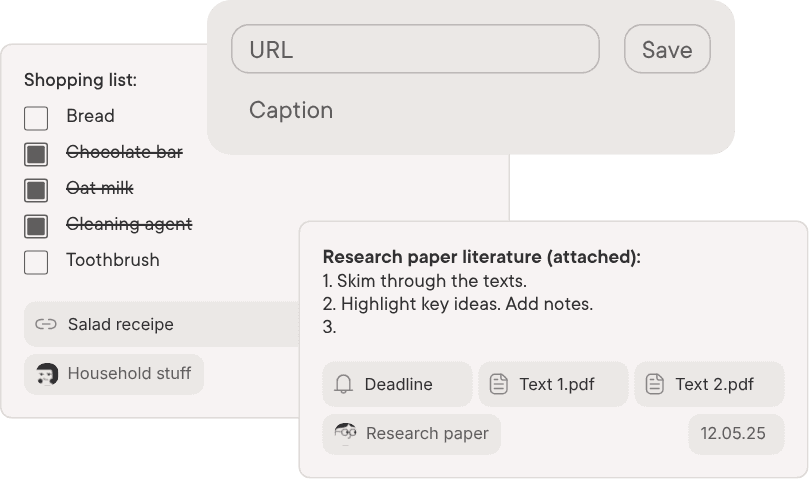
▤ Collaborative notebooks
In Type, notebooks help you organize your notes and easily share them with others. Create a notebook, invite friends or teammates, and collaborate by viewing or adding notes together, all in one space.
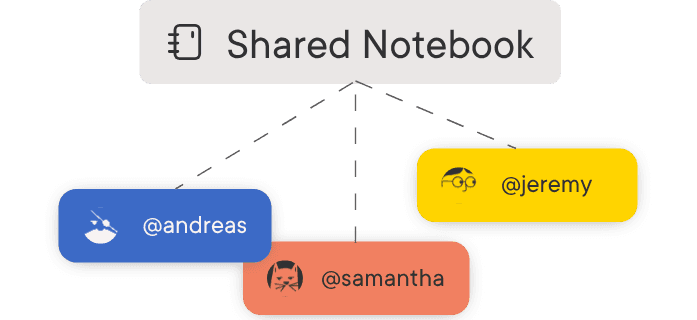
⌂ Use on any device
Log in to Type on your PC, smartphone, tablet or web browser. Easily exchange files, notes and links within your devices. No need to write messages to yourself anymore.

⌕ Find it fast
Use text search, tag selection or filter notes by attachment types.
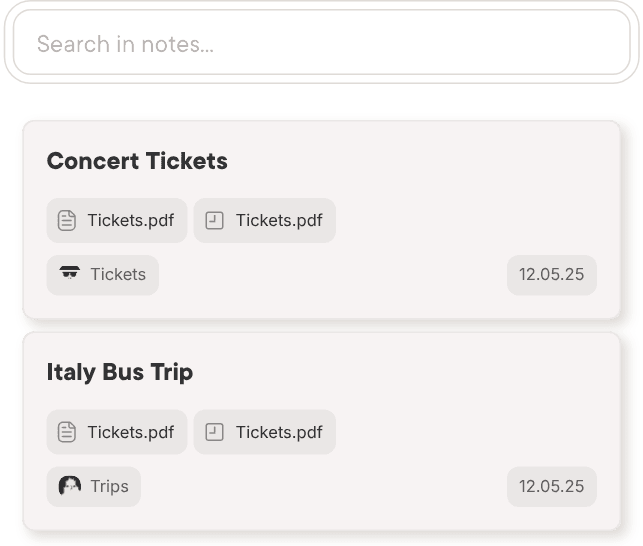
Everything you wanted to do together is here. Simplified.
A few of the ways people use shared notebooks.

Share with your project team
Share meeting notes, attach design files, track events, organize links and keep everyone updated in a simple way.

Plan activities with friends
Coordinate movie nights, holiday trips, or party organisation by sharing tickets, locations, schedules, ideas, and to-do lists in one place.

Take care of household tasks
Add common grocery lists, cleaning schedules, cinema evening activities or group meeting notifications.

Co-create shared lists
Create notes, lists, bookmarks, reminders and attach them to your repository of things that are important for you.

Manage your hobby groups
Keep schedules, files, and project ideas for your book club, sports team, or crafting circle.

Capture and grow ideas
Collect and organize materials and references for your next project: from poetry drafts to research notes and article outlines.
Start using Type
Staging builds. Same account and notebooks everywhere, including the web app.
Type runs in the browser too. Same account, same notebooks.
macOS builds are signed and notarized, they open like any other app. Windows builds are unsigned: SmartScreen shows More info, then Run anyway. Android: allow installs from unknown sources; uninstall an older staging build first, the signing key rotates.